Skip to content


Key Takeaways (Featured Snippet Optimized)
- An Agile dashboard is a decision system that visualizes delivery health, flow efficiency, and risks in real time
- High-performing teams track a balanced set of metrics: velocity, flow (cycle time), quality, and outcomes (DORA)
- Dashboards fail when they focus on activity instead of actionable insights
- Different roles require different dashboards: team, program, and executive views
- AI-powered dashboards in 2026 enable predictive risk detection and automated insights
- The goal is not visibility; it’s better decisions, faster delivery, and improved business outcomes
Introduction
Most Agile teams have dashboards, but in many organizations, they fail to influence real decisions, turning into passive reporting tools instead of active delivery enablers.
Dashboards often become:
- Static reports reviewed after the fact
- Collections of vanity metrics
- Or worse, performance pressure tools that drive the wrong behaviors
The real value of an Agile dashboard lies in its ability to answer:
- Where are we at risk right now?
- What should we act on today?
- How predictable is our delivery?
Most teams underestimate how quickly dashboards lose relevance. What starts as a useful visualization often becomes outdated as team structure, product complexity, and delivery patterns evolve. Without deliberate ownership, dashboards drift away from real work. Treat dashboard design as a living system with clear ownership, periodic reviews, and explicit criteria for what gets added or removed.
This guide goes beyond basics to help you design dashboards that drive decisions, not just visibility with real examples, tools, and enterprise use cases.
What Is an Agile Dashboard? (Definition, Purpose, and Real-World Use Case)
Agile Dashboard Explained in Simple Terms
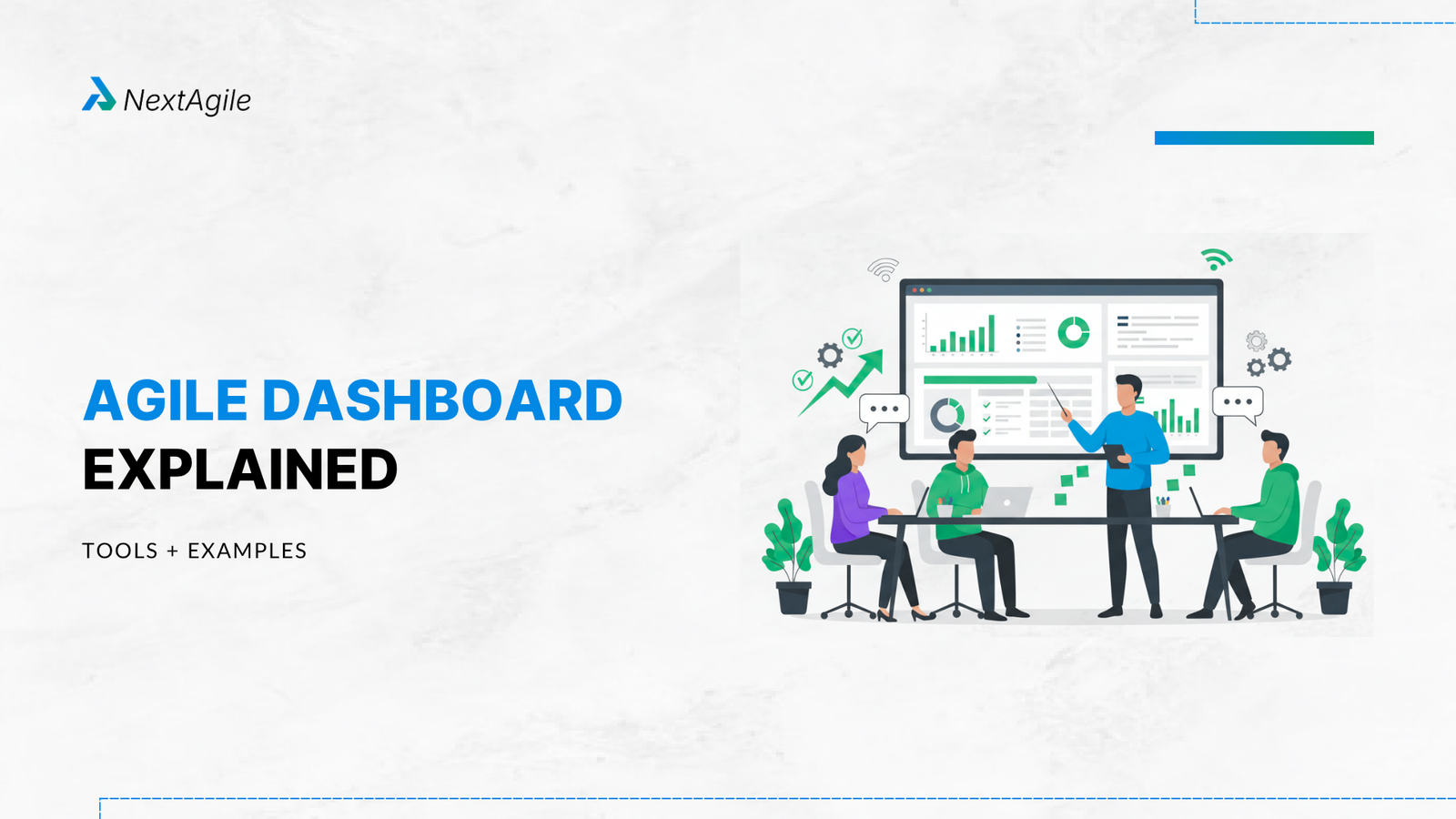
An Agile dashboard is a real-time visualization system that surfaces delivery signals, progress, flow, quality, and risk to enable faster and better decisions.
It is not just a reporting layer. It is a decision system for Agile delivery. A practical way to validate whether your dashboard is effective is to observe behavior during reviews. If discussions shift away from the dashboard into separate tools or anecdotal updates, it signals that the dashboard is not trusted as a single source of truth. High-performing teams rely on dashboards during conversations, not after them.
Purpose of an Agile Dashboard in Teams
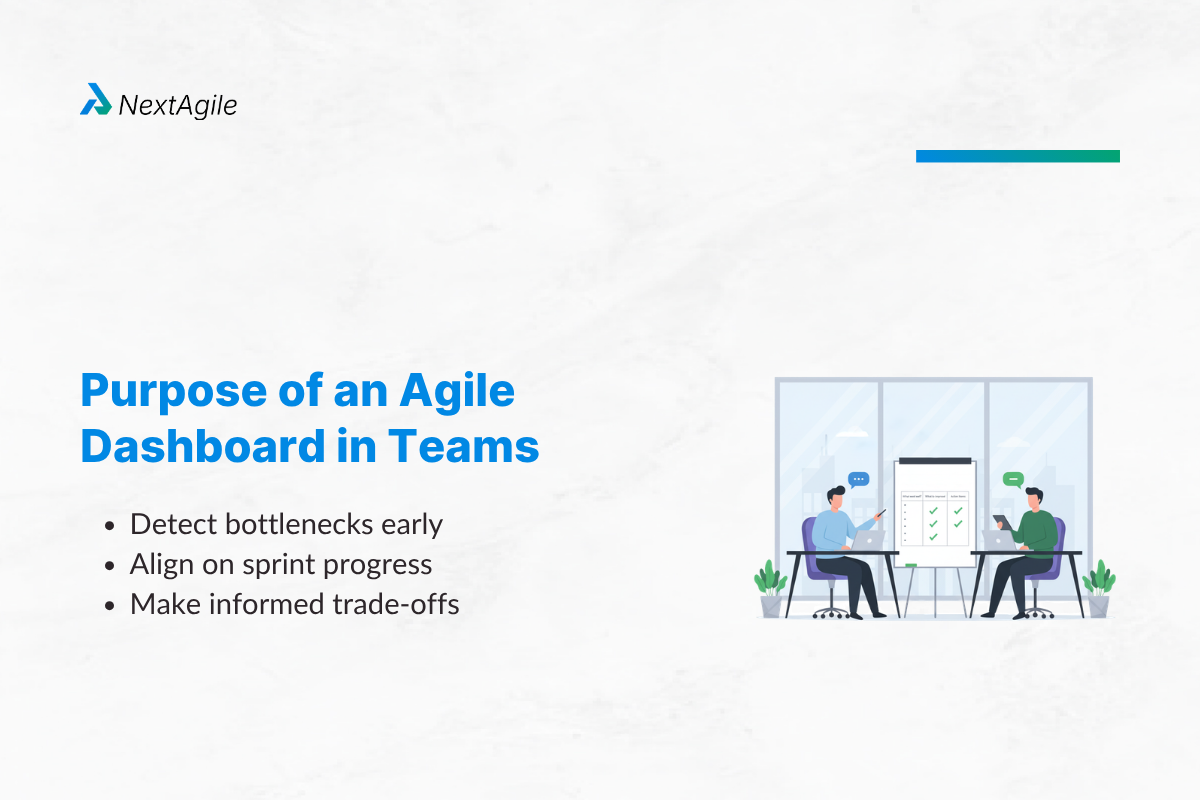
A well-designed dashboard helps teams:
- Detect bottlenecks early
- Align on sprint progress
- Make informed trade-offs
It converts data into actionable insights. Another often overlooked benefit is alignment speed. In fast-moving environments, teams don’t have time for long explanations. A well-designed dashboard reduces the need for interpretation by making system health immediately visible. This shortens alignment cycles across product, engineering, and leadership.
Real-World Use Case (Expanded)
Context:
A fintech product team struggled with unpredictable releases despite stable velocity.
What the dashboard revealed:
- Cycle time variability was high
- Work items were stuck in QA
- Dependencies were not visible
Actions taken:
- Introduced WIP limits
- Added dependency tracking
- Monitored flow metrics
Results (within 8 weeks):
- Cycle time reduced by 28%
- Release predictability improved by 35%
- Defect leakage dropped by 20%
Insight: Velocity wasn’t the issue; flow inefficiency was. What made this shift effective was not the introduction of new metrics but the change in focus. Instead of asking “How much did we deliver?”, the team began asking “Where is work getting delayed?”. This subtle shift in questioning often marks the transition from activity tracking to system thinking.
7 Agile Dashboard Metrics Every High-Performing Team Tracks
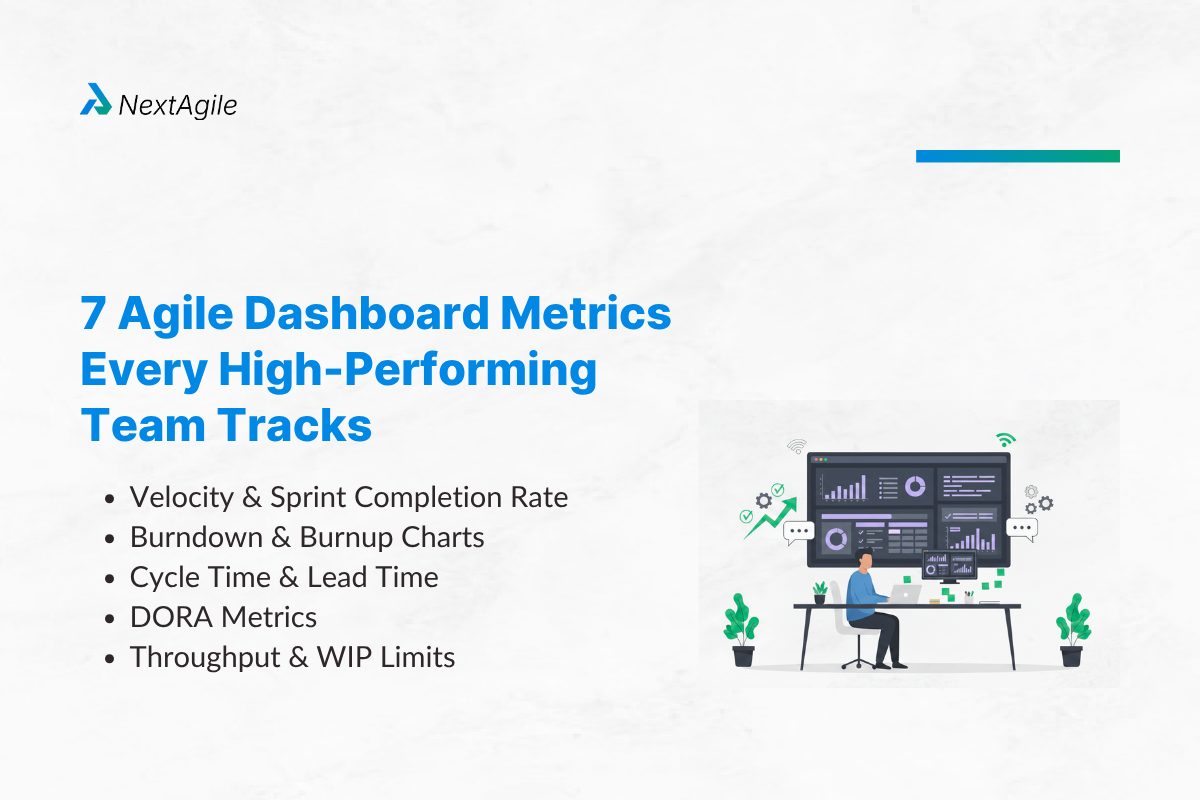
1. Velocity and Sprint Completion Rate
Baseline delivery metrics but often misunderstood.
Where it fails:
Teams optimize for higher velocity instead of better outcomes.
Use it for trend analysis, not performance evaluation.
2. Burndown and Burnup Charts
Provide real-time visibility into sprint progress.
Where it fails:
Doesn’t explain why work is delayed.
Combine with flow metrics for deeper insight.
3. Cycle Time and Lead Time
Measure how efficiently work moves through the system.
Decision trigger:
If cycle time increases → investigate bottlenecks immediately.
4. DORA Metrics
Bridge engineering performance with business outcomes.
Where it fails:
Without context, metrics can mislead leadership.
Always interpret alongside delivery patterns.
5. Throughput and WIP Limits
Ensure teams don’t overload themselves.
Decision trigger:
High WIP = reduced flow efficiency
6. Defect Rate and Test Coverage
Track quality and technical debt.
Where it fails:
Ignoring quality leads to long-term delivery slowdowns.
7. Team Morale and Impediment Count
The most overlooked but most critical metrics.
High blockers = Hidden system issues
Low morale = Future delivery risk
Metric selection should also reflect the product lifecycle stage. Early-stage products benefit from rapid feedback and throughput visibility, while mature systems require stronger emphasis on quality, stability, and dependency management. Using the same dashboard across all stages often leads to misaligned decisions.
How to Use Dashboard Metrics to Drive Decisions?
Most dashboards fail not because of data, but because teams don’t know how to act on it.
Decision Mapping
- Velocity drops → Check scope stability, not team performance
- Cycle time increases → Identify bottlenecks (QA, dependencies)
- Burndown spikes → Investigate scope creep
- Defect rate rises → Pause delivery and fix quality
Dashboards should answer: “What should we do next?”
Teams can strengthen this practice by explicitly defining “decision thresholds” for key metrics. For example, a predefined cycle time limit or defect rate threshold can automatically trigger investigation or corrective action. This removes ambiguity and ensures faster, more consistent responses.
How to Build an Agile Dashboard in 4 Steps?
Step 1: Define Audience and Goal
- Team dashboards → execution focus
- Leadership dashboards → outcomes and predictability
Step 2: Choose the Right Tool
Refer to Agile Project Management Tools for comparison
Step 3: Select Metrics That Matter
Avoid overload. Focus on:
- Flow
- Delivery
- Quality
Step 4: Integrate and Continuously Improve
- Automate data
- Review in retrospectives
- Refine based on team maturity
As teams mature, dashboards must shift from tracking output (velocity, burndown) to optimizing outcomes (flow efficiency, predictability, and business impact). Data integrity is equally critical. Inconsistent workflows, incorrect status updates, or partial tool adoption can distort dashboard signals. Before optimizing dashboards, teams must ensure that underlying data reflects actual work patterns. Otherwise, dashboards amplify noise instead of insight.
Agile Dashboard Examples by Role and Use Case
Scrum Master Dashboard
- Sprint burndown
- Velocity trends
- Blockers
Focus: execution health
Enterprise Portfolio Dashboard
- Cross-team dependencies
- Program risks
- Delivery timelines
Focus: alignment and predictability
Engineering Dashboard
- DORA metrics
- Deployment frequency
- Failure rate
Focus: engineering performance
Executive Dashboard
- Business outcomes
- Delivery confidence
- Strategic alignment
Focus: decision-making
In scaled environments, dashboards also act as a coordination mechanism between teams. When multiple teams depend on each other, shared visibility into flow and blockers reduces the need for constant synchronization meetings. This becomes especially valuable in distributed or multi-vendor setups.
Agile Dashboard vs KPI Dashboard vs OKR Dashboard
| Type | Focus | Purpose |
| Agile Dashboard | Delivery flow | Execution |
| KPI Dashboard | Performance metrics | Monitoring |
| OKR Dashboard | Goals | Strategy |
Agile dashboards are operational decision tools. Organizations that integrate these layers effectively often use Agile dashboards as an operational input into KPI and OKR reviews. This creates a feedback loop where execution data informs strategy adjustments, rather than strategy being disconnected from delivery realities.
Top 5 Agile Dashboard Tools in 2026 (With Practical POV)
| Tool | Best For | Strength | When It Fails |
| Jira | Scrum teams | Native integration | Over-complex setups |
| Azure DevOps | Enterprise | End-to-end tracking | Steep learning curve |
| Axify | Flow metrics | Advanced insights | Expensive |
| Monday.com | Simplicity | Easy adoption | Limited depth |
| Tableau + Jira | Leadership | Custom analytics | Requires expertise |
Tool selection should follow use cases, not popularity. Another practical consideration is adoption friction. Highly customizable tools often promise flexibility but require significant effort to maintain. Simpler setups, even if less powerful, tend to achieve higher adoption and consistency. The best tool is one that teams actually use daily.
AI-Powered Agile Dashboards: What is Changing in 2026?
Predictive Risk Detection
AI can now:
- Identify sprint risks early
- Predict delays based on patterns
Natural Language Insights
Dashboards now explain:
- Why metrics changed
- What actions to take
Where AI Falls Short
- Cannot replace team judgment
- May misinterpret context
The future is AI-assisted, human-driven decision-making. A key emerging capability is anomaly detection. Instead of tracking predefined metrics alone, AI systems can now surface unexpected patterns such as sudden cycle time spikes or unusual dependency clusters. These signals are often missed in traditional dashboards but can significantly impact delivery outcomes.
Common Agile Dashboard Mistakes (and How to Fix Them)
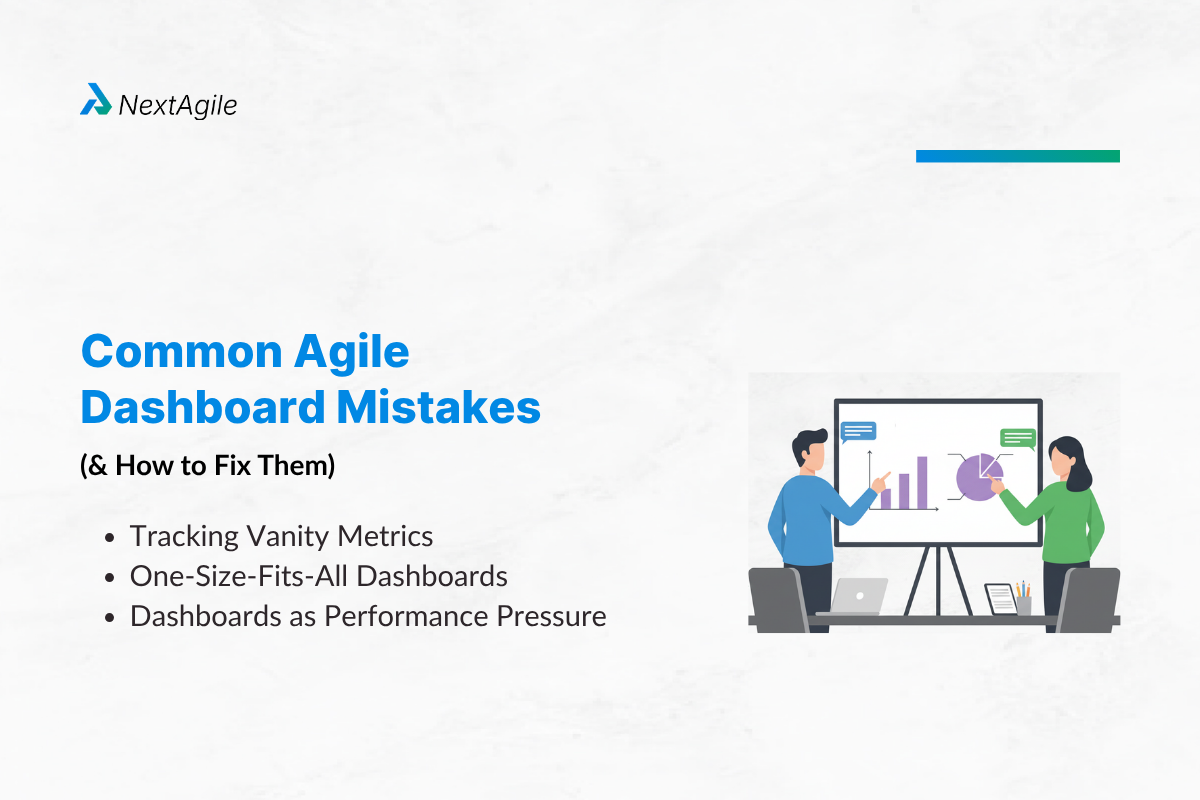
1. Tracking Vanity Metrics
Example: story points without quality context
Fix: Combine delivery + outcome metrics
2. One-Size-Fits-All Dashboards
Different roles need different insights
Fix: Customize dashboards
3. Dashboards as Performance Pressure
Leads to:
- Metric manipulation
- Reduced trust
Fix: Use dashboards for learning, not control
Another subtle failure pattern is over-standardization. While consistency across teams is important, forcing identical dashboards across diverse teams often reduces relevance. Teams working on platform engineering, product features, or infrastructure require different visibility to operate effectively.
Agile Dashboard Design Framework
To build effective dashboards, follow 3 principles:
1. Signal vs Noise
Track only what drives decisions
2. Leading vs Lagging Indicators
- Leading: cycle time, WIP
- Lagging: velocity, defects
3. Audience Alignment
- Team → execution
- Leaders → outcomes
Great dashboards are focused, contextual, and actionable. Sustainability is an often ignored dimension of dashboard design. Metrics that require manual updates or complex extraction processes tend to degrade over time. Prioritizing automation and simplicity ensures that dashboards remain accurate and usable in the long run.
As organizations mature, dashboards begin to shift from reactive reporting to proactive guidance. Instead of highlighting issues after they occur, they start indicating early signals of stress within the system. This transition significantly improves an organization’s ability to manage complexity at scale.
Conclusion
Agile dashboards don’t improve delivery, decisions do.
In our experience as an agile consulting company, we at NextAgile understand that most dashboard problems are not about tools or metrics, they stem from unclear intent. Teams track too much, interpret too little, and act too late.
The most effective organizations treat dashboards as visibility into system health, not performance scorecards. They use them to ask better questions, surface risks early, and drive meaningful action.
If your dashboards feel complex but unhelpful, the issue isn’t data; it’s alignment. Because ultimately, an Agile dashboard is not about reporting progress; it’s about improving outcomes.
If your dashboards feel complex but fail to drive real decisions, it’s a sign that your Agile metrics and delivery visibility need realignment. At NextAgile, we help organizations design actionable Agile dashboards and operating models that improve predictability, flow, and outcomes. Reach out to us at consult@nextagile.ai to explore how we can support your transformation journey.