Introduction With growing competitions, changing customer needs and evolving technology landscape, we have experienced that almost all our customers are steering their groups at lightspeed. Customer centricity , bias for actions, fast fabric and prototype-first approach are the mantras that are the foundation of any initiatives they are taking. And to structure this entire approach where they want to be driven by objectives and continuously aspiring for the results, not once a year but at least, once a quarter – they are increasingly using OKRs.
It’s likely that you’ve heard about OKRs (Objectives and Key Results). In agile organizations, they are now considered the gold standard for goal alignment. The problem is that most teams find it difficult to effectively track OKRs rather than set them.
An OKR sheet for goal tracking is a straightforward yet effective tool that can help with that. Everyone can stay focused and in sync with a well-structured OKR goal tracking sheet, regardless of whether they are team managers, startup founders, or individual contributors.
We’ll go over how to make an OKR sheet, the ideal formats, and useful advice in this guide so you can use it as your primary tracking tool.
Why Tracking OKRs with a Sheet Still Works? You may ask, “Why not just buy a platform?” given the abundance of OKR software tools available. In reality, a lot of teams, particularly those in small and medium-sized enterprises, begin with spreadsheets because they’re:
Free (or nearly free) Adaptable and simple to modify Everyone on the team is familiar with If properly organized, an Excel file or Google Sheets OKR tracker can work wonders. It requires no additional onboarding time and is quick to set up and share.
Importance of Structured Goal Tracking in Modern Organizations We live in a world of constant change. Quarterly priorities shift. Markets evolve. Without structured OKR tracking , teams drift, and progress gets lost in the noise.
An OKR sheet template
Clarity on what matters most Transparency for the entire team Accountability through ownership Think of it as the backbone of performance alignment—lightweight, yet powerful.
What is an OKR Sheet? An OKR sheet is essentially a goal tracking spreadsheet designed to capture:
Objectives: Big-picture goals Key Results: Quantifiable measures of success Owners: Who’s responsible? Progress: How far have you come? It’s not fancy, but it works.
Explanation and Structure (Objectives + Key Results) Here’s the core structure of an OKR goal setting spreadsheet:
Objective: “What” you want to achieve? Key Results: “How” you’ll measure progress (with specific metrics)? Owner: The person accountable Status: Red, Amber, Green or a numeric score Check-in Dates: For regular updates Comments: Context for changes or blockers Difference Between OKR Sheet and OKR Software OKR Sheet: Simple, manual updates, best for small teams OKR Software: Automated dashboards, integrations, analytics For startups or teams testing OKRs, a sheet is often enough. For scaling organizations, software offers advanced reporting.
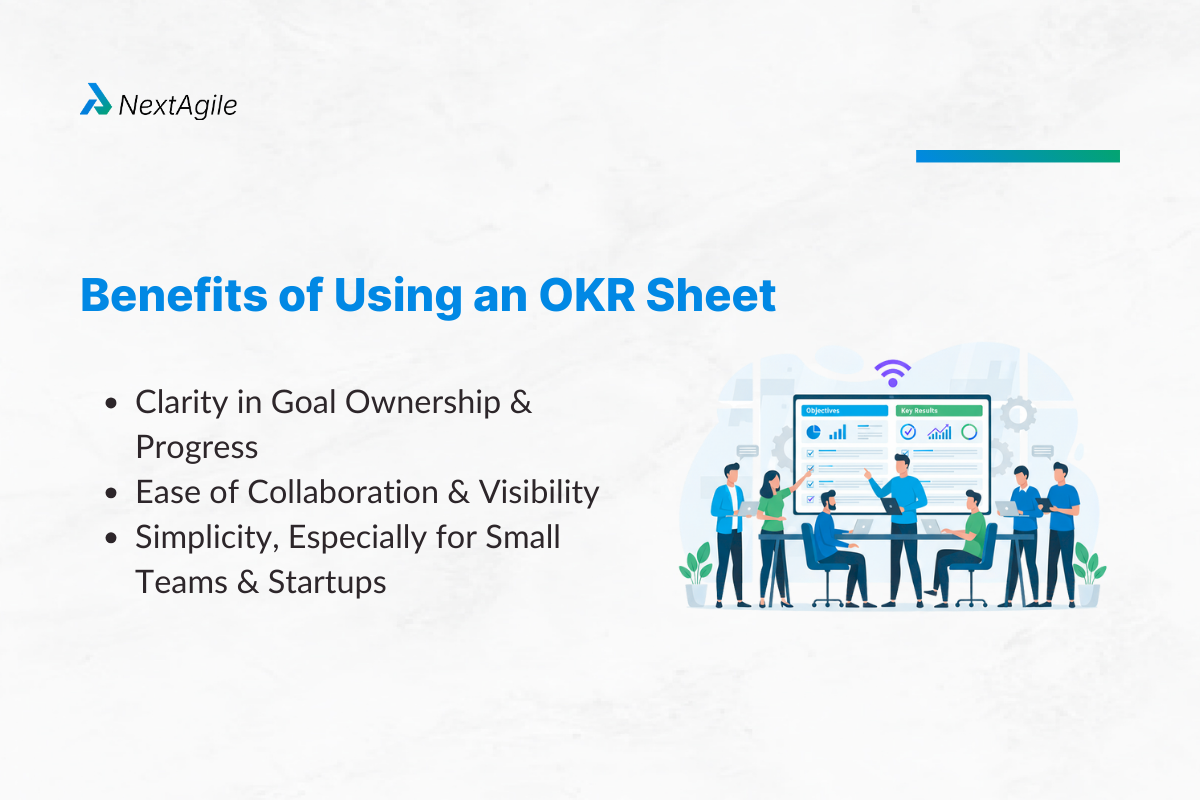
Benefits of Using an OKR Sheet
Clarity in Goal Ownership and Progress Everyone knows who’s responsible for what. No ambiguity.
Ease of Collaboration and Visibility Share your OKR tracking spreadsheet with the entire team using Google Sheets or Excel. Real-time updates, zero friction.
Simplicity, Especially for Small Teams and Startups You don’t need a complex tool to start building alignment. A personal OKR sheet or a team sheet works fine.
Core Elements of an Effective OKR Tracking Sheet Here are the must-have components:
Objectives – The “what” (inspiring, qualitative) Key Results – The “how” (quantitative, time-bound) Owners – Accountability matters Status/Progress Column – Numeric (0.0–1.0) or color-coded Check-In Dates – Weekly or bi-weekly updates Notes/Comments Section – For context How to Structure Your OKR Sheet (with Example)? Layout: Rows vs Columns Rows: Individual OKRsColumns: Objective, Key Results, Owner, Progress, Status, Notes Example Structure Objective Key Result Owner Status Progress Notes Increase Customer Retention Improve NPS from 60 to 75 Sarah Green 0.7 On track
Scoring Mechanism: 0.0 to 1.0 or Red–Amber–Green
0 – 0.3: Off-track (Red) 4 – 0.6: Needs attention (Amber) 7 – 1.0: On track (Green) Add conditional formatting in Google Sheets or Excel for quick visual cues.
Creating Your Own OKR Sheet: Step-by-Step 1. Define Goals Clearly
Keep Objectives inspiring but concise. Example: “Improve customer experience.”
2. Set Measurable KRs
Avoid vague metrics. Instead of “Improve NPS,” specify: “Increase NPS from 60 to 75.”
3. Assign Ownership
Each KR needs one accountable person.
4. Decide Update Frequency
Weekly check-ins work best for fast-moving teams.
5. Share and Collaborate
Use a Google Sheets OKR tracker for real-time updates or Excel for offline teams.
Using Tools Like Google Sheets, Excel & Notion Google Sheets OKR Tracker
Pros: Real-time collaboration, easy sharing Cons: Requires internet, manual updates Excel for OKR Tracking
Pros: Powerful formatting, offline access Cons: Harder to collaborate live Notion
Pros: Visual boards + docs in one place Cons: Slight learning curve Best for:
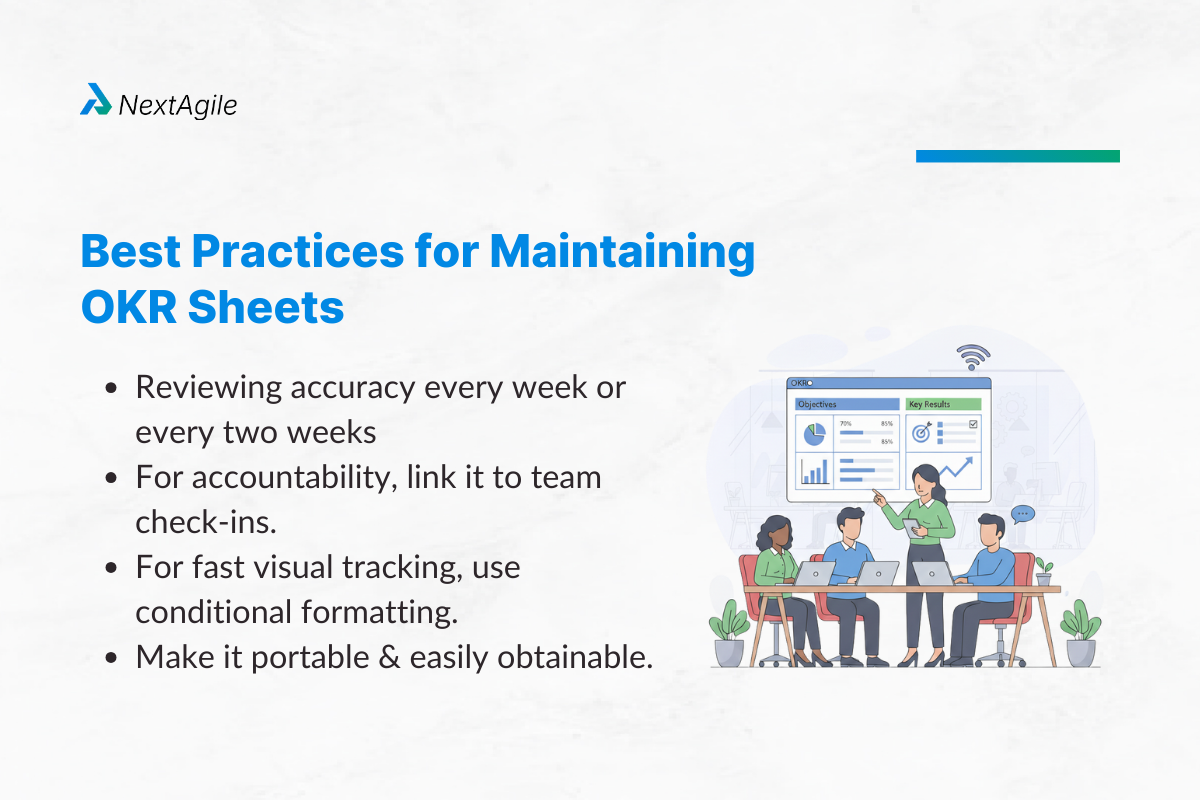
Startups: Google Sheets Hybrid teams: Excel Creative teams: Notion Common Mistakes to Avoid in OKR Tracking Sheets Adding too much complexity: Improved tracking with more columns Not going over it frequently: A sheet is only as good as its updates. Confusion over actions and outcomes: OKRs evaluate results rather than tasks. Best Practices for Maintaining OKR Sheets
Reviewing accuracy every week or every two weeks For accountability, link it to team check-ins. For fast visual tracking, use conditional formatting. Make it portable and easily obtainable. OKR Sheet for Personal vs Team vs Organizational Use Personal OKR Sheet Fewer objectives Focus on career development or role-specific outcomes Team OKR Sheet Collaboration-driven Shared visibility Organizational OKR Sheet Roll-up from teams to company goals Strong need for status reporting Case Study: How a Mid-Size Company Used OKR Sheets Effectively? One consulting firm with 150 employees started with Google Sheets OKR tracker before moving to software. Results after two quarters:
Alignment: 90% of employees understood company priorities Accountability: Weekly updates improved on-time project delivery by 25% Engagement: Employees reported feeling more connected to outcomes Lesson: Start simple, master the process, then scale.
Conclusion An OKR sheet for goal tracking is a lightweight yet powerful tool for teams looking to stay aligned without investing in heavy software upfront.
It’s simple. It’s flexible. And it works—if you maintain it well. Whether you’re creating a personal OKR sheet, a team tracker, or an organizational OKR goal tracking sheet, the principles remain the same: clarity, ownership, and regular updates.
Not ready for OKR software yet? Download our free OKR sheet template or create your own using the steps above. At NextAgile , we help businesses design best OKR tracking templates that drive real impact.
Explore more NextAgile OKR Consulting services to structure and implement OKRs across your business or start with NextAgile OKR Training to introduce your teams to OKRs.
Frequently Asked Questions 1. How often should I update my OKR sheet? You should update your OKR sheet regularly, ideally on a weekly or bi-weekly basis .
Weekly updates help identify blockers early and keep objectives top of mind. Mid-cycle reviews (e.g., monthly or mid-quarter) allow for adjusting priorities if needed. End-of-cycle scoring ensures accurate evaluation and learning for the next period. Consistent updates turn your OKR sheet into a real-time performance dashboard rather than a static document.
2. Can I use a single OKR sheet across departments? Technically yes, but it depends on complexity and team size:
For small organizations, one consolidated sheet can work if you organize tabs by department. For larger companies, it’s better to have separate sheets per team or department with a master sheet that rolls up key objectives for leadership visibility. The key is to maintain clarity and ownership—everyone should know which part of the sheet they’re responsible for updating.
3. What’s the best format—Excel or Google Sheets? Both work, but Google Sheets is generally preferred for OKRs because:
It allows real-time collaboration across teams and geographies. It’s easier to share, comment, and update simultaneously without version control issues. You can integrate with add-ons and automation tools (e.g., Zapier, OKR dashboards). Excel can work for offline use, but for dynamic, collaborative OKR tracking, Google Sheets wins.
4. Should I automate OKR tracking or do it manually? It depends on your scale and resources:
Manual tracking is fine for small teams or early OKR adoption—good for learning the process. Automation is ideal for growing teams or companies using tools like Google Sheets with scripts, integrations with Jira, Asana, or dedicated OKR platforms (e.g., Profit.co, Lattice). Automation reduces human error, saves time, and ensures real-time performance insights, but don’t skip the human element of discussion and feedback.
5. How do I score OKRs in a sheet? The most common approach is a 0.0 to 1.0 scale, where:
0 = No progress 3–0.6 = Partial achievement 7–1.0 = Substantial or complete achievement Steps to score:
Add a progress column for each Key Result. Update weekly or at the end of the cycle with actual vs target values. Average the scores of all Key Results to get the Objective’s overall score. You can also use color coding (Green, Yellow, Red) for quick visualization in your sheet.
Alok Dimri is the co-founder and leads the overall business at NextAgile, where he is responsible for strategy, client and consultant partnerships, and a whole lot of other core business activities like solutioning, branding, and customer engagement.
Over the past 16 years, he has worked extensively in business strategy, new business development, and key account management initiatives across process consulting and training domains.
 Skip to content