Skip to content
Introduction
Developer productivity is the backbone of modern software delivery. Faster releases, fewer bugs, and scalable systems depend on efficient coding practices. Yet, traditional workflows often involve repetitive tasks manual debugging, lengthy documentation, and extensive testing which consume valuable time.
This is where AI-powered solutions are transforming the software development lifecycle. From AI code completion benefits to AI DevOps automation, these tools enable developers to work smarter, not harder.
In this guide, we explore how to improve developer productivity with AI, the best tools, real-world use cases, and strategies for successful adoption.
Importance of Developer Productivity
Developer productivity impacts time-to-market, cost efficiency, and product quality. When teams face bottlenecks in testing, code review, or deployment, the overall delivery slows down.
AI software development productivity is now a game-changer. With AI productivity tools for developers, teams can:
- Automate routine tasks like testing and documentation
- Reduce context-switching and cognitive load
- Accelerate innovation through rapid prototyping
Role AI Is Playing in Enhancing Workflows
AI is transforming software development by automating repetitive and time-consuming tasks. From AI productivity tools for developers to AI DevOps automation, these technologies streamline coding, debugging, and deployment processes. Tools like GitHub Copilot assist with code generation, while AI debugging tools catch errors in real-time. In DevOps, AI optimizes CI/CD pipelines, predicts failures, and accelerates releases. Additionally, AI documentation generation and smart prompt coding reduce cognitive load for developers, enabling faster feature delivery and innovation. By handling routine tasks, AI allows developers to focus on problem-solving and creativity, significantly improving AI software development productivity and overall team efficiency. Agentic AI systems are increasingly relevant for organizations building autonomous or semi-autonomous software delivery pipelines.
Top AI Use Cases That Boost Productivity
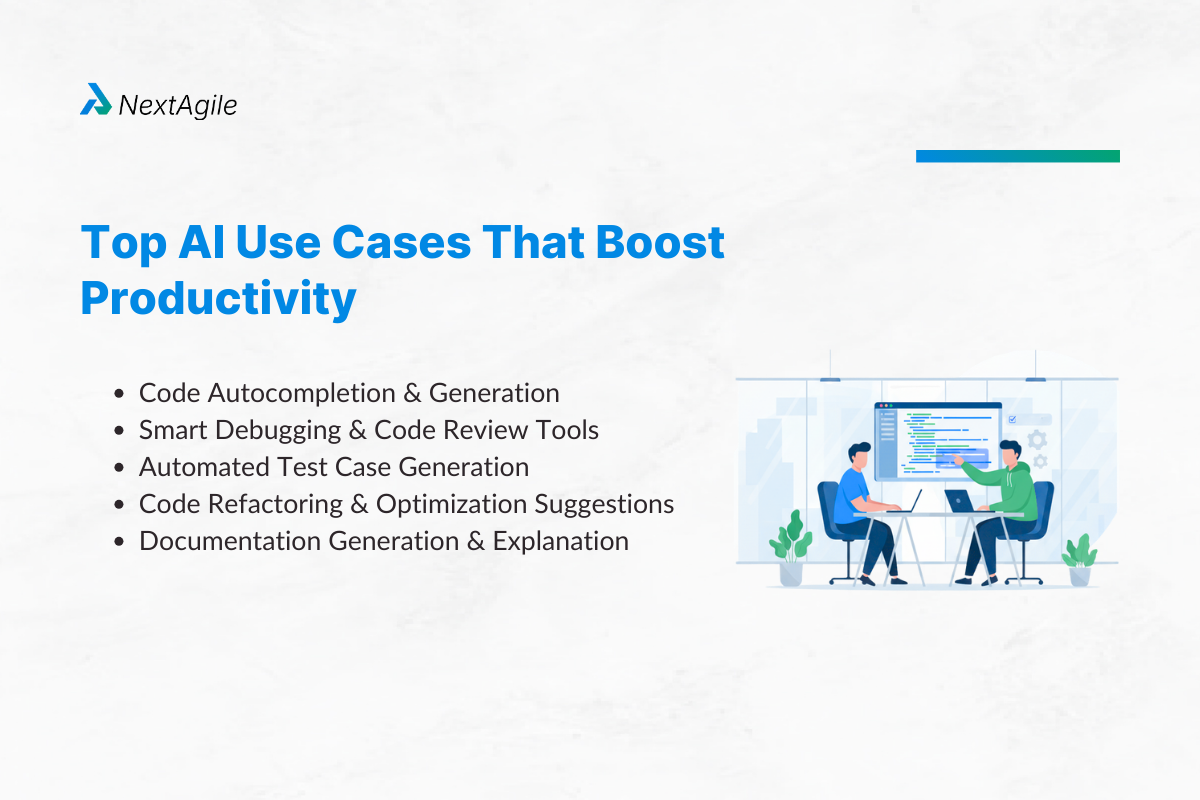
1. Code Autocompletion & Generation
Tools like GitHub Copilot, Tabnine, and Amazon CodeWhisperer leverage transformer-based models to predict and generate code. Benefits include:
- Writing complete functions from natural language prompts
- Reducing boilerplate code writing time
- Supporting multiple programming languages
AI code completion benefits go beyond speed it helps maintain coding standards and reduces syntax errors.
2. Smart Debugging & Code Review Tools
AI debugging tools such as Snyk Code and CodiumAI analyze code for security vulnerabilities and logic errors. AI-based code review systems provide instant feedback on performance issues, ensuring fewer defects in production.
3. Automated Test Case Generation
Testing is time-consuming, but AI can automate testing with AI-driven frameworks like Testim and Diffblue Cover, which generate and update unit tests automatically. This reduces regression risks and enhances CI/CD AI optimization.
4. Code Refactoring & Optimization Suggestions
AI assists in code optimization, suggesting better data structures, reducing complexity, and improving runtime performance without altering the logic.
5. Documentation Generation & Explanation
AI tools like Mintlify and Codeium can generate documentation from code comments or produce readable explanations of complex functions. AI documentation generation ensures up-to-date docs with minimal effort.
6. CI/CD and DevOps Pipeline Automation
AI DevOps automation streamlines build processes, monitors deployment pipelines, and predicts failures before they occur. Tools like Harness and Azure DevOps with AI plugins optimize deployment frequency and rollback strategies.
AI-Powered Agentic Systems
Agentic AI for developers refers to autonomous AI agents that can handle end-to-end tasks such as writing, testing, and deploying code. These systems reduce manual intervention and act as virtual teammates.
Example: An AI agent that takes a feature request, writes the code, generates test cases, commits changes, and initiates CI/CD all with minimal human input.
This significantly improves developer productivity with AI by automating repetitive workflows.
Best Practices & Team Guidelines
Implementing AI in development requires clear guidelines to maximize benefits while minimizing risks. Here are essential best practices:
- Set Clear AI Usage Policies
Define where and how AI productivity tools for developers should be used. Establish rules for sensitive code, intellectual property, and compliance requirements to prevent misuse. - Adopt Human-in-the-Loop Workflows
Always include developer oversight for AI-generated code. While tools like AI code completion and AI code review boost speed, human validation ensures accuracy and security. - Leverage Prompt Engineering
Effective smart prompt coding improves output quality. Teams should train developers to write structured, context-rich prompts for optimal AI responses. - Balance AI Assistance with Fundamentals
Avoid over-reliance on AI. Encourage developers to maintain strong coding skills to mitigate technical debt and handle situations where AI falls short. - Document AI-Assisted Changes
Use AI documentation generation to keep track of AI-driven modifications for transparency and auditing purposes.
Following these guidelines helps teams adopt AI responsibly, enhance efficiency, and maintain high-quality outputs while mitigating risks associated with AI software development productivity. This structured approach ensures long-term sustainability and trust in AI-driven workflows.
Measuring AI’s Impact on Productivity
Measuring AI’s Impact on Productivity is essential for understanding its real value. Here are core metrics and approaches:
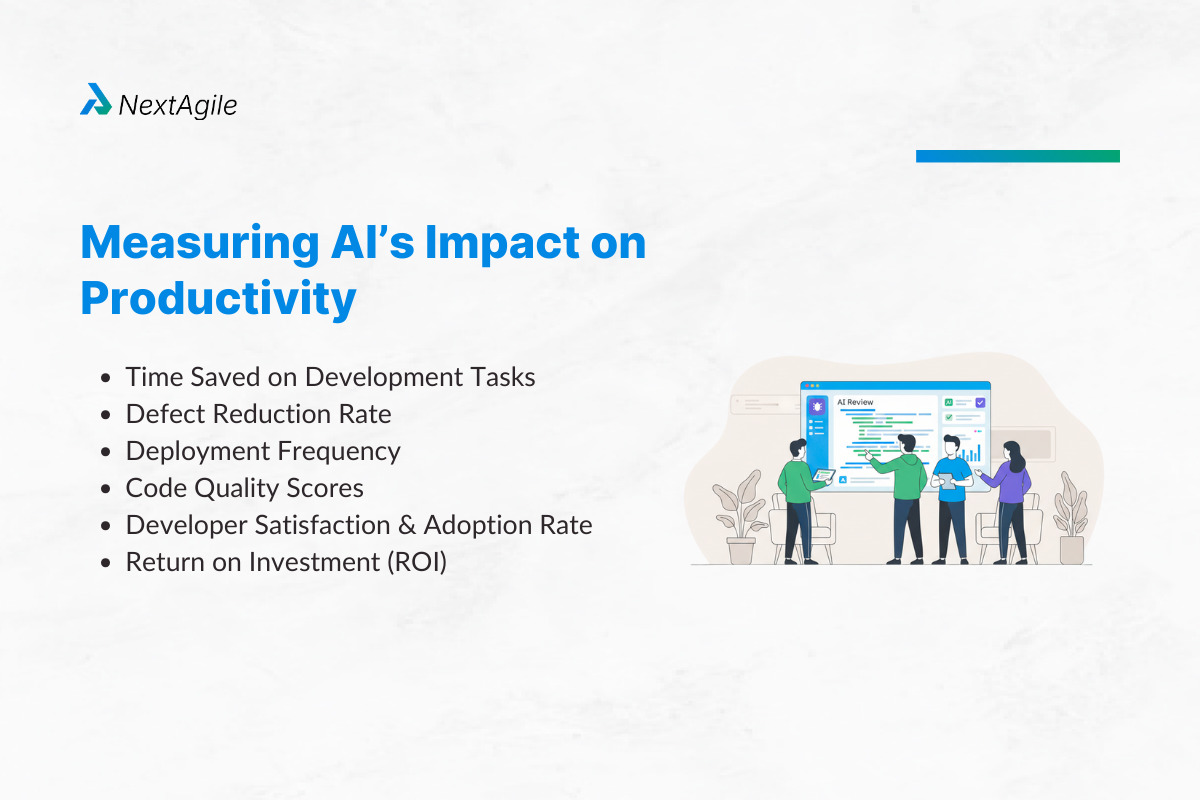
- Time Saved on Development Tasks
Track reductions in coding, debugging, and testing time after implementing AI productivity tools for developers. This shows efficiency gains. - Defect Reduction Rate
Measure how AI code review and AI debugging tools lower bug counts in production, ensuring higher code quality. - Deployment Frequency
Monitor if CI/CD AI optimization enables faster releases without compromising stability, a critical DevOps productivity indicator. - Code Quality Scores
Use static analysis tools to compare pre- and post-AI code quality, evaluating if AI-assisted coding improves maintainability. - Developer Satisfaction & Adoption Rate
Collect feedback on how tools like AI pair programming and AI documentation generation impact the developer experience and ease of use. - Return on Investment (ROI)
Compare the cost of implementing AI solutions with the gains in speed, defect reduction, and delivery cycles to assess overall value.
Case Studies and Real-World ROI
Real-world examples highlight the ROI of AI software development productivity. Teams using GitHub Copilot have reported up to 55% faster coding, while automated testing with AI reduces QA bottlenecks significantly. Companies implementing AI DevOps automation have shortened release cycles by 30–40%, increasing competitive agility. ROI is also seen in developer satisfaction AI tools free developers from repetitive tasks, allowing more focus on innovation.
Moreover, integrating AI documentation generation improves onboarding speed for new team members, and AI pair programming helps reduce context switching, boosting efficiency. Organizations tracking metrics like time-to-market, cost savings, and quality improvements consistently report positive returns, proving that measuring AI dev productivity is not just theoretical but a practical necessity for modern software teams.
Risks, Limitations & How to Mitigate
- Over-Reliance and Potential Technical Debt
Relying too heavily on AI code completion and AI pair programming can lead to skill atrophy among developers and accumulation of poorly understood code. This creates technical debt, making long-term maintenance difficult. - AI-Introduced Bugs & Security Concerns
While AI debugging tools reduce errors, they can also introduce new bugs due to incorrect context interpretation. Additionally, AI-generated code may contain security vulnerabilities, increasing the risk of breaches if unchecked. - IP and Compliance Considerations
AI-generated code raises questions about intellectual property ownership and compliance with open-source licenses. Developers must ensure AI software development productivity tools follow legal guidelines and don’t inadvertently use restricted code. - Mitigation Strategies: Code Review, Testing, Tool Vetting
To minimize these risks: - Human-in-the-loop Reviews: Always validate AI outputs through peer code reviews.
- Automated & Manual Testing: Use automate testing with AI alongside manual verification for accuracy.
- Tool Vetting & Policies: Establish strict governance for AI DevOps automation tools, ensuring compliance and security before adoption.
By addressing these challenges proactively, teams can leverage AI productivity tools for developers effectively while maintaining code quality, security, and compliance.
Leading Tools & Platforms
- GitHub Copilot
Powered by OpenAI, Copilot offers AI code completion benefits, helping developers write code faster with contextual suggestions. It supports multiple languages and integrates seamlessly with popular IDEs, making it ideal for smart prompt coding and AI pair programming. - Tabnine
Tabnine uses machine learning models to deliver personalized code completions. It enhances developer productivity with AI by learning from private codebases while ensuring compliance and security through on-device options. - Amazon CodeWhisperer
Designed for enterprise-grade AI software development productivity, CodeWhisperer provides language-specific suggestions, automates repetitive coding tasks, and integrates well with AWS environments, improving cloud-based development efficiency. - Cursor
A next-gen IDE leveraging AI-powered automation, Cursor helps with code generation, debugging, and documentation, making it a strong tool for teams adopting agentic AI for developers. - Snyk
Focused on security, Snyk integrates AI code review and vulnerability detection, ensuring safer deployments and reducing risks introduced by AI DevOps automation.
Each of these tools leverages AI productivity features like smart code generation, real-time debugging, and documentation automation to streamline workflows.These platforms demonstrate how AI productivity tools for developers optimize workflows, reduce development time, and improve CI/CD AI optimization, enabling teams to ship faster without compromising quality.
Future Trends in AI-Driven Development
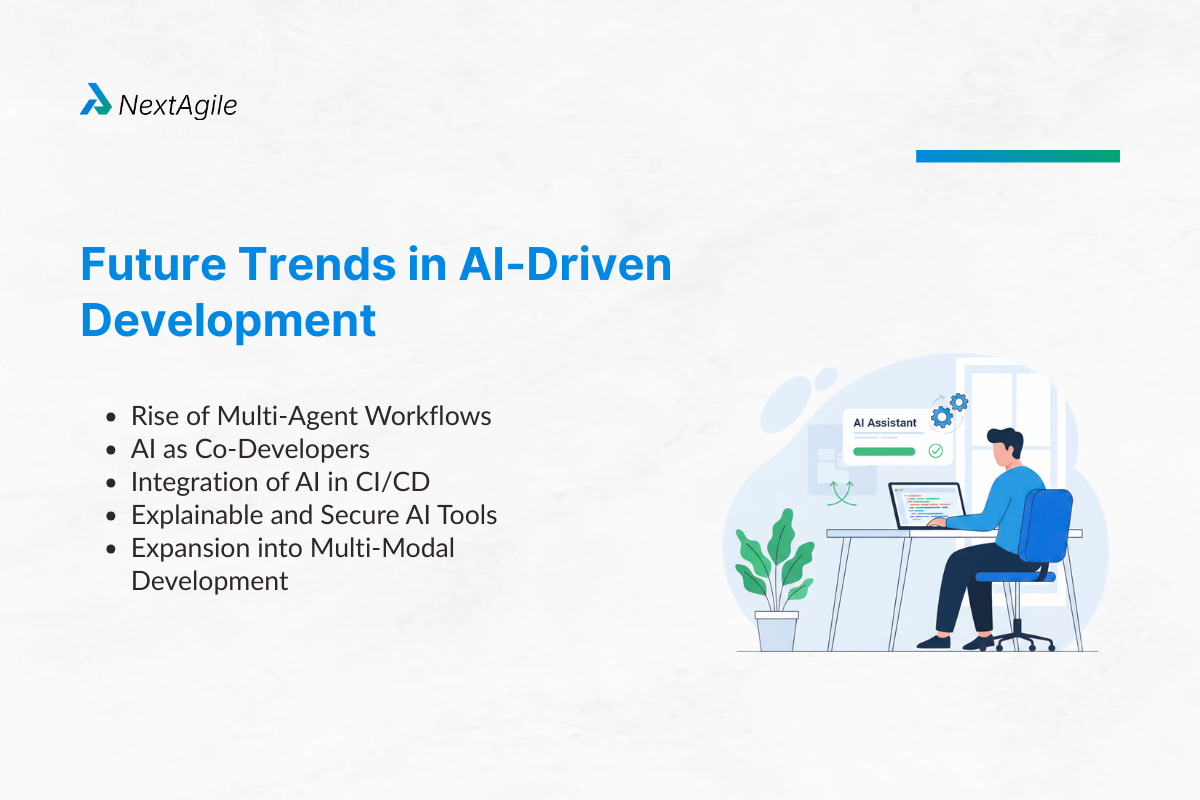
- Rise of Multi-Agent Workflows
Future software development will involve agentic AI for developers, where multiple specialized AI agents collaborate handling tasks like testing, deployment, and code optimization. This will enable fully autonomous pipelines that require minimal human intervention. - AI as Co-Developers
Generative AI will evolve from being an assistant to a true co-developer, capable of writing complex codebases, debugging autonomously, and suggesting architectural improvements. This shift will redefine team structures and reduce time-to-market dramatically. - Integration of AI in CI/CD
AI-driven DevOps automation will make CI/CD pipelines smarter, predicting deployment failures, automating rollbacks, and improving code quality with real-time AI insights. Continuous delivery will become more reliable and efficient. - Explainable and Secure AI Tools
Future AI tools will focus on transparency, compliance, and interpretability. Features like code explainability, AI-generated documentation, and automated security checks will become standard, reducing risks of technical debt and vulnerabilities. - Expansion into Multi-Modal Development
AI systems will soon generate apps across multiple formats text, code, voice, and even visual elements driving innovation in product development and user experience.
These trends indicate a future where AI doesn’t just speed up coding but fundamentally transforms software engineering, enabling developers to focus on creativity and problem-solving while AI handles repetitive and complex tasks.
Is your organization looking to integrate AI into your development and operational processes? Start with an AI readiness assessment first and see what the gap is between the As-Is and the desired To-be state. Reach out to NextAgile AI Consulting group for an in-depth contextual discussion with our AI experts. You can write to us consult@nextagile.ai or leave a message on our website. You can also explore NextAgile AI Training enablement programs for your teams and leadership for ramping up your Gen AI capabilities.
Conclusion
AI is revolutionizing how software is built, making it easier to improve developer productivity with AI through automation, intelligent suggestions, and smart debugging. From AI code completion benefits to AI DevOps automation, these tools help teams deliver faster, reduce errors, and stay competitive.
Action Steps:
- Start with one AI tool in your workflow.
- Measure productivity gains using KPIs.
- Scale adoption while maintaining human oversight for quality and security.
The future belongs to AI-assisted development, where developers and intelligent systems work together for faster, safer, and more innovative software solutions.
FAQs
1. Can AI replace junior developers?
AI can handle repetitive coding tasks, but it cannot fully replace human developers. Critical thinking, architectural design, and complex problem-solving remain human-driven. Instead, AI acts as a productivity booster and learning assistant for juniors.
2. Is AI code secure?
Not always. AI-generated code may introduce vulnerabilities if unchecked. Always conduct manual code reviews, run security scans, and use trusted AI coding platforms.
3. Does AI introduce more bugs?
AI reduces syntax errors but can create logical bugs or insecure code. Combining AI code suggestions with automated testing and human validation ensures high-quality outputs.
4. What metrics should teams track?
Track time saved, defect density, developer satisfaction, and deployment frequency. These KPIs show whether AI improves efficiency without compromising quality.
5. How do I start adopting AI tools?
Begin with AI code completion (e.g., Copilot), then expand to AI debugging tools, documentation generators, and CI/CD optimization. Start small, measure ROI, and scale responsibly.