10 RAG Project Ideas for Students (With Tools and Source Code)
Rahul Singh
Talk to Expert for Free
Table of Contents
The best RAG projects for students are ones where you can prove the answers are right: a PDF Q&A bot, a campus FAQ assistant, an arXiv paper explorer, a documentation support bot, a filings analyst, a code repository assistant, a lecture transcript assistant, a multilingual assistant, a small graph-based RAG and a RAG evaluation capstone. Each project below lists the tools, a public data source, the steps and how to test it. Starter code for the core pipeline is included, along with guidance on choosing a stack, evaluating results and presenting the project.
Key Highlights of RAG Project Ideas
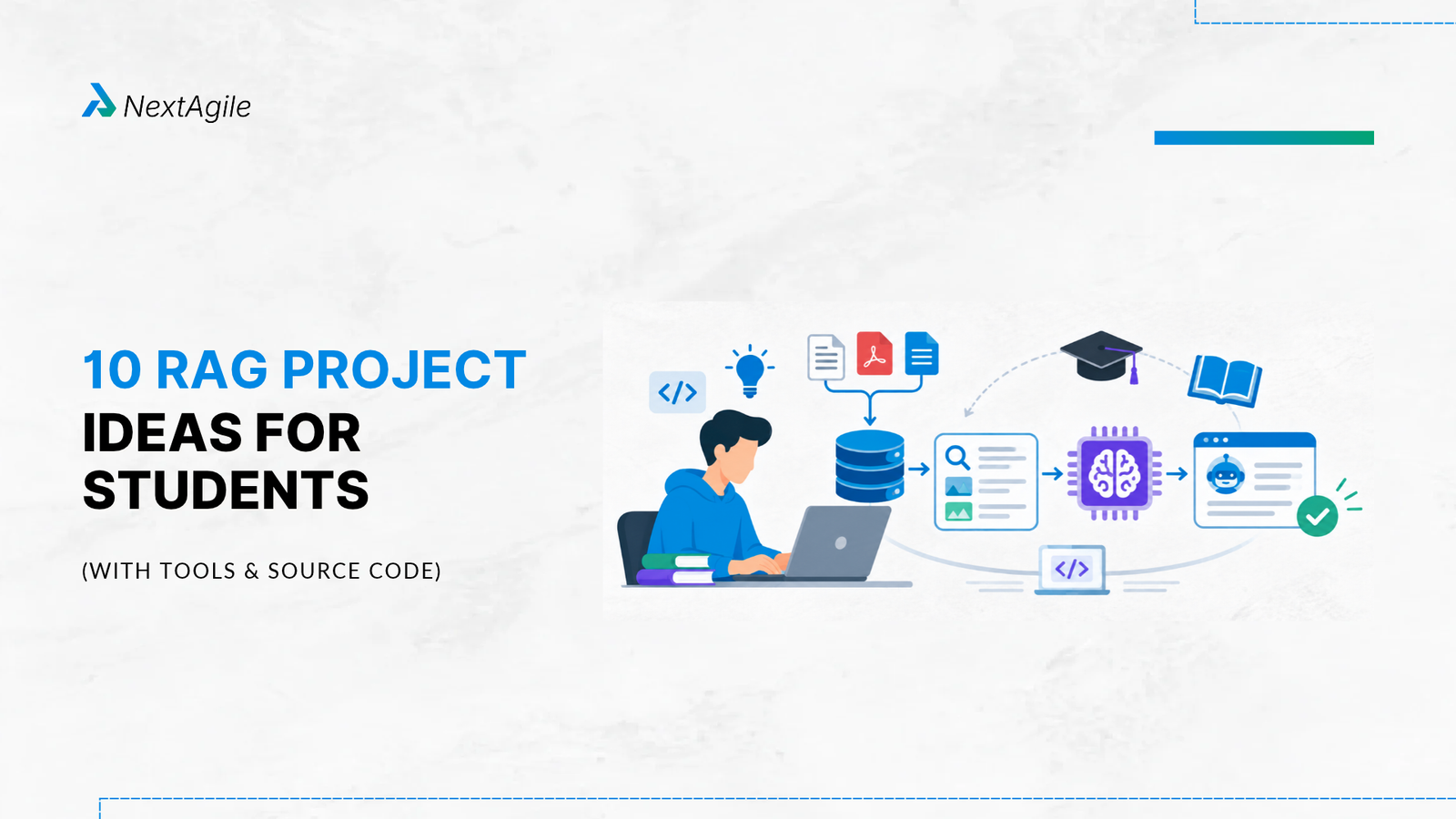
RAG (retrieval-augmented generation) combines a retriever that finds relevant text with a language model that writes the answer from it.
The ten projects move from beginner to advanced. Start with Project 1 or 2 if you are new.
Every project should show citations and an evaluation table. A demo that cannot be checked will not convince an interviewer.
Depth beats volume. One well-measured project is worth more than five tutorial clones.
The starter code is written for this article and uses common open-source libraries. Pin library versions, because APIs change.
What Is RAG and Why Build RAG Projects?
Retrieval-augmented generation (RAG) lets a language model answer from documents you supply instead of relying only on what it learned in training. The idea was set out in the 2020 paper Retrieval-Augmented Generation for Knowledge-Intensive NLP Tasks by Patrick Lewis and colleagues, which paired a pretrained sequence-to-sequence model with a neural retriever over a dense index of Wikipedia. Today the same pattern powers company knowledge bases, support bots and research tools.
RAG is a strong student project area because it covers skills employers ask about: working with documents, search, embeddings, prompting, evaluation and basic security. It also gives you something concrete to discuss in an interview. If you want to practise the questions you are likely to be asked, work through our RAG interview questions and answers alongside your build.
How a Basic RAG Pipeline Works
Load and clean your documents.
Chunk them into passages of manageable size, usually with some overlap.
Embed each chunk into a vector and store the vectors in an index.
Retrieve the chunks closest to the user’s question.
Generate an answer from a prompt that contains the question and the retrieved chunks, and ask the model to cite them.
Here is a minimal retrieval core you can reuse in most projects. It uses the sentence-transformers library and FAISS, Meta’s open-source library for similarity search, and is original starter code, not taken from any repository:
# pip install sentence-transformers faiss-cpu pypdf numpy import numpy as np, faiss from pypdf import PdfReader from sentence_transformers import SentenceTransformer def load_pdf(path): reader = PdfReader(path) return “\n”.join(page.extract_text() or “” for page in reader.pages) def chunk(text, size=800, overlap=150): chunks, start = [], 0 while start < len(text): chunks.append(text[start:start + size]) start += size – overlap return chunks model = SentenceTransformer(“all-MiniLM-L6-v2”) chunks = chunk(load_pdf(“notes.pdf”)) emb = model.encode(chunks, normalize_embeddings=True).astype(“float32”) index = faiss.IndexFlatIP(emb.shape[1]) # inner product = cosine on normalised vectors index.add(emb) def retrieve(question, k=3): q = model.encode([question], normalize_embeddings=True).astype(“float32”) scores, ids = index.search(q, k) return [(int(i), chunks[i], float(s)) for i, s in zip(ids[0], scores[0])] def build_prompt(question, hits): context = “\n\n”.join(f”[{i}] {text}” for i, text, _ in hits) return (“Answer using only the context below. Cite chunk numbers like [2]. “ “If the answer is not in the context, say you do not know.\n\n” f”Context:\n{context}\n\nQuestion: {question}\nAnswer:”) # answer = call_your_llm(build_prompt(q, retrieve(q))) # use any LLM API or a local model
To check retrieval before you add a language model, write 15 to 20 questions together with the chunk that contains each answer, then measure how often the right chunk appears in the top three results:
def hit_rate(test_set, k=3): # test_set: list of (question, correct_chunk_id) hits = sum(1 for q, cid in test_set if cid in [i for i, _, _ in retrieve(q, k)]) return hits / len(test_set)
Notice the prompt in build_prompt. It tells the model to use only the supplied context, to cite chunk numbers and to say it does not know when the answer is missing. Writing that instruction well is a skill in itself, and our guides to prompt engineering techniques and to context engineering vs prompt engineering explain why what you put into the context matters as much as how you phrase the instruction.
Choosing Your Stack Before You Start
Students often lose weeks to tool choices. A sensible default is enough for any project below, and you can swap parts later because a RAG pipeline is modular.
Layer
Good starting choices
Consider switching when
Document loading
pypdf for PDFs, BeautifulSoup for web pages, plain text readers
You need table or layout extraction from complex reports
Embeddings
A sentence-transformers model such as all-MiniLM-L6-v2 for English; a multilingual model for other languages
Retrieval quality is poor on your domain or language
Vector store
FAISS for in-memory search, Chroma for a simple persistent local store
You need filtering, many users or a hosted service
Orchestration
Plain Python first; LangChain or LlamaIndex once you want ready-made loaders and chains
Your pipeline has many steps or tools
Language model
Any hosted API or a local open-weights model
Cost, privacy or latency becomes a problem
Interface
Streamlit or Gradio
You want a custom front end
Start with plain Python so you understand each step. When you move to a framework, you will know what it is doing for you. Our comparison of LlamaIndex vs LangChain will help you choose between the two most common options.
 Skip to content