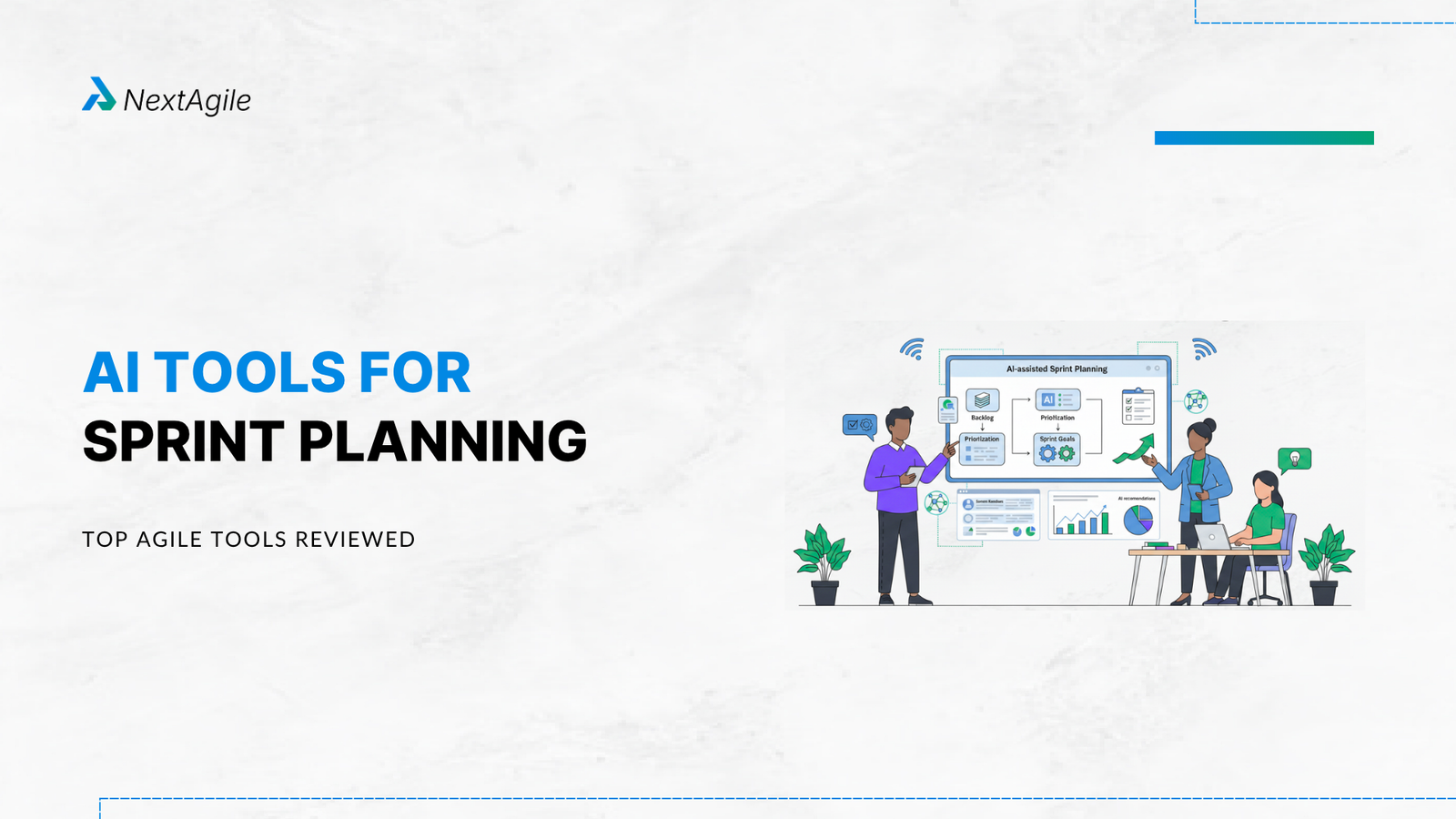
Key Highlights of AI Tools for Sprint Planning Teams lose up to 10% of their sprint capacity to planning admin work alone. Organizations using AI-assisted agile tools report up to 40% faster release cycles and 35% reduction in planning overhead. A PMI case study showed 35% improvement in sprint efficiency after integrating AI tools. This guide covers AI tools for sprint planning organized by sprint phase: backlog grooming, estimation, capacity planning, and retrospective analysis. Includes a 6-criteria evaluation scorecard and integration guide for teams already using Jira, Azure DevOps, or Linear. Introduction AI tools for sprint planning are software platforms that use machine learning, historical delivery data, and language models to make sprint planning faster, more accurate, and less dependent on subjective team estimates. They address the persistent gap between what teams commit to in sprint planning and what they actually deliver.
The scale of this gap is significant. Zenhub’s 2025 research found that teams lose up to 10%
This guide covers 10 AI tools for sprint planning organized by the sprint phase where they deliver the most value. It includes an evaluation scorecard, integration guidance for India’s most commonly used enterprise agile tooling, and a practical adoption approach for teams that do not want to disrupt their existing rituals. For teams that want hands-on training with these tools in an agile context, NextAgile’s AI for Agility Workshop covers exactly this workflow.
AI Tools for Sprint Planning (Phase-Wise Comparison for Agile Teams, 2026) # Tool Sprint Phase Best Use Case Key AI Capability Pricing Type 1 Atlassian Intelligence (Jira) Backlog Grooming Story creation, backlog refinement, dependency detection AI-generated user stories + acceptance criteria Paid 2 Linear AI Backlog Grooming Fast issue creation and prioritization Natural language issue generation + auto-labeling Freemium / Paid 3 Aha! Develop (AI Assistant) Backlog Grooming SAFe backlog alignment and roadmap planning AI story generation + OKR alignment Paid 4 Baseliner AI Sprint Estimation Improving estimation accuracy using historical data Predictive story point estimation Paid 5 Zenhub AI Sprint Estimation GitHub-based sprint planning AI story points + sprint goal generation Paid 6 Forecast AI Capacity Planning Predicting sprint capacity and risks AI capacity forecasting + delivery risk detection Paid 7 Digital.ai Agility Capacity Planning Large-scale SAFe / portfolio planning Cross-team predictive planning intelligence Enterprise Paid 8 Stepsize AI Sprint Monitoring Sprint reporting and delivery insights AI-generated sprint progress reports Paid 9 Tability Retrospectives & OKRs Sprint goals aligned with business outcomes AI-powered OKR tracking + retrospective insights Paid
AI Tools for Sprint Planning: Organized by Phase Phase 1: Backlog Grooming and Story Creation Tools Atlassian Intelligence (Jira) Jira’s embedded AI can auto-generate user stories from plain text requirements, suggest acceptance criteria, flag stories that lack definition of done criteria, and identify dependency conflicts in the backlog before sprint planning begins. When to use it:
Teams using Jira with 20+ active user stories in the backlog Product Owners who spend more than 3 hours per sprint on story writing Teams with inconsistent user story quality across team members Result: Teams using Atlassian Intelligence for backlog grooming report 30 to 40% reduction in story preparation time (Atlassian, 2025 release notes).
Linear AI Linear is a project management tool with AI-powered issue creation, automatic labeling, and priority suggestions. Its AI can generate issues from natural language descriptions and categorize them based on historical patterns. When to use it:
Software teams using Linear as their primary project management tool Teams that prefer a faster, more opinionated tool than Jira for pure software delivery Aha! Develop (AI Story Generation) Aha! Develop includes an AI assistant that generates user stories, estimates effort, and aligns backlog items to product strategy and OKRs. It supports PI Planning alignment for SAFe teams. When to use it:
Teams running SAFe and needing backlog alignment with program increment goals Organizations that want AI-generated stories connected to roadmap-level objectives NextAgile’s Product Owner Masterclass covers backlog management strategy for teams using these AI-assisted tools.
Phase 2: Sprint Estimation Tools Baseliner AI Baseliner AI is purpose-built for agile sprint estimation. It analyzes historical sprint data, compares estimate-to-actual variance, and generates predictive story point baselines for new backlog items. It integrates directly with Jira. When to use it:
Teams with 6+ months of sprint history in Jira Organizations seeking to reduce sprint overcommitment without changing their estimation process Multi-team programs where estimation inconsistency across teams creates planning conflicts Result: Teams using Baseliner AI report improvement in sprint estimation accuracy within the first 3 sprints (Baseliner.ai, 2026). The tool does not replace Planning Poker. It gives the team a calibrated starting point.
Zenhub AI Zenhub is a GitHub-native agile platform with AI-powered sprint planning features including automated story point suggestions based on issue complexity, sprint goal generation from backlog items, and epic completion rate tracking. When to use it:
Developer-first teams heavily invested in GitHub Teams that want agile project management inside GitHub without switching tools Organizations prioritizing zero context switching for developers Phase 3: Capacity Planning and Sprint Composition Tools Forecast AI Forecast is an AI-native project management platform that combines historical velocity analysis, team capacity modeling, and predictive sprint composition. It surfaces early warnings about potential delivery risks before the sprint begins. When to use it:
Multi-team programs where capacity constraints cascade across teams Organizations running distributed agile teams across time zones (highly relevant for India-based teams with global counterparts) Teams experiencing consistent sprint overcommitment despite good intentions Digital.ai Agility Digital.ai is an enterprise agile planning platform that connects strategy, execution, and outcomes across distributed teams using AI-powered predictive intelligence and portfolio planning. It is designed for organizations managing large-scale software delivery across multiple ARTs or programs. When to use it:
Enterprises with 10+ agile teams that need cross-team capacity visibility SAFe implementations at the portfolio level requiring AI-assisted PI Planning preparation Organizations needing to connect sprint-level delivery data to OKR and business outcome tracking This tool is particularly valuable in combination with NextAgile’s SAFe Consulting Services for organizations scaling agile across large programs.
Phase 4: Sprint Monitoring and Retrospective Intelligence Tools Stepsize AI Stepsize AI automatically generates clear, data-driven sprint progress reports from Jira and Linear data. It highlights achievements, risks, and technical debt without requiring manual report creation from the Scrum Master. When to use it:
Scrum Masters spending 2+ hours per sprint on status reporting to stakeholders Teams that want automatic risk flagging during the sprint, not only at retrospectives Organizations where sprint retrospectives consistently lack concrete data 9. Tability (OKR-Aligned Sprint Retrospectives) Tability focuses on AI-powered OKR tracking and goal management. For agile teams, it helps align sprint goals with organizational OKRs and generates retrospective insights that connect team delivery outcomes to business objectives.
When to use it:
Teams implementing OKRs alongside agile delivery Organizations that want retrospective insights tied to business outcomes, not just process metrics Product teams where sprint goals frequently disconnect from strategic objectives For teams connecting sprint delivery to OKR implementation , NextAgile’s OKR Consulting Services can help design the goal alignment architecture.
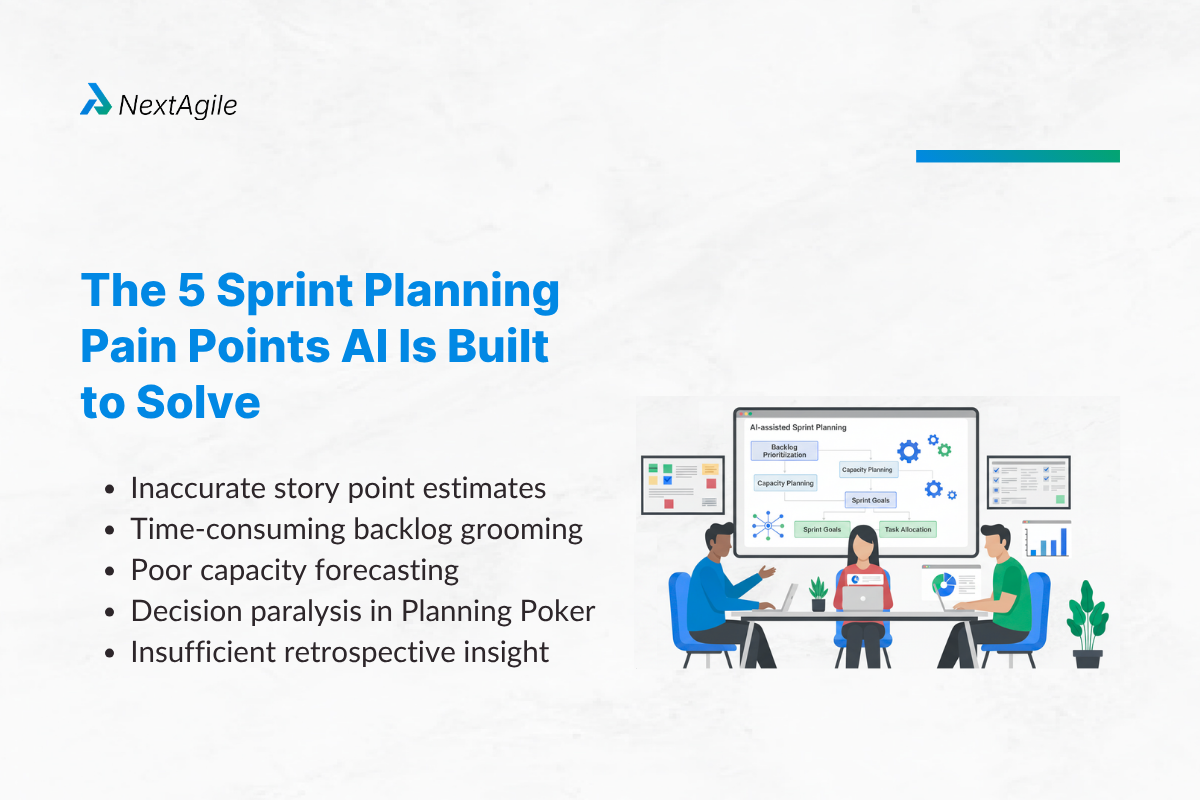
The 5 Sprint Planning Pain Points AI Is Built to Solve Understanding what AI tools actually solve helps you choose the right ones. Sprint planning suffers from five consistent, measurable problems:
Pain point 1: Inaccurate story point estimates Teams consistently underestimate complexity. This produces sprint overcommitment, rollover work, and demoralized teams who feel they never complete what they planned. AI tools address this by analyzing historical estimate-to-actual variance and suggesting calibrated baselines for similar work.Pain point 2: Time-consuming backlog grooming Product Owners spend 3 to 6 hours per sprint manually organizing, writing, and prioritizing backlog items. AI tools reduce this by auto-generating user stories from requirements, suggesting priority rankings based on business value signals, and flagging dependencies automatically.Pain point 3: Poor capacity forecasting Teams plan sprints without accurate visibility into actual available capacity after accounting for leave, support rotations, meetings, and cross-team dependencies. AI tools provide dynamic capacity forecasts that adjust in real time as team availability changes.Pain point 4: Decision paralysis in Planning Poker Traditional estimation techniques produce lengthy discussions without clear resolution, consuming 40 to 60 minutes on single stories. AI-generated baseline estimates give teams a calibrated starting point, cutting estimation discussion time by 30 to 50%.Pain point 5: Insufficient retrospective insight Teams repeat the same sprint problems because retrospectives lack concrete data. AI tools automatically surface patterns across multiple sprints, identifying systemic issues that manual observation misses. AI Sprint Planning Tool Evaluation Scorecard Criterion What to Evaluate Integration depth Does it connect natively to your current sprint tool (Jira, ADO, Linear, GitHub)? Data requirements How many sprints of historical data does it need to be useful? Estimation accuracy What is the measured improvement in estimate-to-actual variance? Team adoption Does it reduce team workload or add a new process step? Ritual disruption Can it work alongside existing ceremonies or does it require ceremony redesign? Governance Can team leads review and override AI suggestions before they are applied?
How to Introduce AI Sprint Planning Tools Without Disrupting Team Rituals The biggest adoption risk for AI sprint planning tools is introducing them in a way that feels like surveillance or that invalidates the team’s existing knowledge and judgment. These guidelines prevent that:
Rule 1: AI suggestions are baselines, not mandates Introduce AI estimates as “the AI’s starting point” in Planning Poker. Teams discuss and adjust from there. This reduces estimation time without removing team ownership of the commitment.
Rule 2: Start with one tool and one phase Pick the phase where your team has the biggest pain (usually estimation or backlog grooming). Pilot one tool for 2 sprints before adding more.
Rule 3: Present AI retrospective insights, not AI retrospective conclusions Use AI-surfaced patterns as conversation starters, not as the retrospective output. The team decides what to act on.
Rule 4: Give the team visibility into the AI’s data Show teams the historical velocity data and estimate-to-actual variance that the AI uses. Transparency builds trust. Opacity breeds resistance.
For teams implementing AI tools as part of a broader agile transformation , NextAgile’s AI for Agility Workshop includes a facilitated team session on tool adoption and ritual integration.
Conclusion AI tools for sprint planning are not replacements for agile ceremonies or team judgment. They are data amplifiers that give teams better information at the moment decisions are made.
Key Points: The highest-value AI tools target the sprint phases with the most measurable waste: estimation and backlog grooming Start with a tool that integrates with your existing sprint management system (Jira, ADO, or Linear) before evaluating standalone platforms Use AI suggestions as baselines in estimation discussions, not as final commitments Connect sprint planning AI to your OKR tracking if you want to link delivery outcomes to business results For agile teams in India building AI-augmented delivery practices, NextAgile’s AI for Agility Workshop and agile consulting services provide the practitioner-led guidance to make this transition without disrupting your delivery rhythm. Contact us at consult@nextagile.ai .
Frequently Asked Question s u003cstrongu003eQ1. How does AI improve sprint planning accuracy?u003c/strongu003e AI improves sprint planning accuracy in three specific ways. First, it analyzes historical estimate-to-actual variance and suggests calibrated story point baselines for new work based on similar completed stories. Second, it provides dynamic capacity forecasts that account for actual team availability rather than planned availability. Third, it surfaces backlog dependency conflicts before sprint planning begins, preventing scope changes mid-sprint. Together, these reduce sprint overcommitment by 20 to 35% in teams with 6+ months of sprint history (Baseliner.ai, 2026).
u003cstrongu003eQ2. Can AI estimate story points?u003c/strongu003e AI can suggest story point estimates based on patterns in your historical sprint data, issue complexity signals, and similarity to previously completed work. AI estimation is most accurate when you have at least 3 to 6 months of historical sprint data with consistent team composition. Teams should treat AI story point suggestions as baselines for discussion, not as final estimates. Planning Poker with an AI-provided starting point is faster and more accurate than Planning Poker starting from zero.
u003cstrongu003eQ3. Which AI tool is best for backlog grooming?u003c/strongu003e For teams using Jira, Atlassian Intelligence is the best starting point because it integrates directly and requires no migration. For teams using Linear, Linear AI’s auto-labeling and issue generation saves the most time. For teams running SAFe who need backlog alignment with PI Planning and OKRs, Aha! Develop’s AI story generation and roadmap alignment features deliver the most strategic value.
u003cstrongu003eQ4. How do AI sprint planning tools work with SAFe?u003c/strongu003e AI sprint planning tools add the most value to SAFe implementations at two points. Before PI Planning, AI tools can analyze the Program Backlog, flag dependency conflicts, and suggest feature sizing adjustments that improve PI Planning conversation quality. During the PI, AI tools provide real-time sprint capacity monitoring and risk detection across teams. Digital.ai Agility and Aha! Develop are the best-suited platforms for SAFe at scale.
u003cstrongu003eQ5. Do AI sprint planning tools require Scrum Masters to change their facilitation approach?u003c/strongu003e No, with one adjustment. The most effective adoption pattern is to introduce AI-generated estimates and backlog insights as u0022starting pointsu0022 rather than as recommendations to be accepted. This preserves the team’s discussion quality while reducing estimation time by 30 to 50%. AI tools should reduce preparation burden for Scrum Masters, not change the nature of the ceremonies themselves.
u003cstrongu003eQ6. What data do AI sprint planning tools need to be useful?u003c/strongu003e Most AI sprint estimation tools require at minimum 3 months of sprint history with consistent story point usage. For capacity forecasting tools, they need access to team member calendars or time-off systems. For backlog quality tools like Atlassian Intelligence, they work with zero history but improve as they learn your team’s writing patterns. Start with backlog quality tools (no data needed) and add estimation tools once you have sufficient sprint history.
Anuj Ojha is Co-Founder & Consulting Head at NextAgile. Anuj has designed & led multiple turnkey transformation journeys across industries, domains & geographies and has 16+ years of experience as an agile practitioner. He has worked with CXOs, CTOs & Key Leaders to translate their business objectives on the ground, contextualizing org transformations and creating buy-in across level, leading a team of coaches/consultants to implement agility across 150+ teams & trained more than 12k team members. Anuj’s core area of interest is business agility & working with leaders & teams to achieve long term sustainable, Agile culture & mindset.
 Skip to content